 Run Analytics
 Understand Every Run
Turn runs already recorded with Apple Health, Health Connect or Garmin into Critical Pace, training-load, split and fitness/form insights.











Your data, your questions
Ask AI about your training sessions
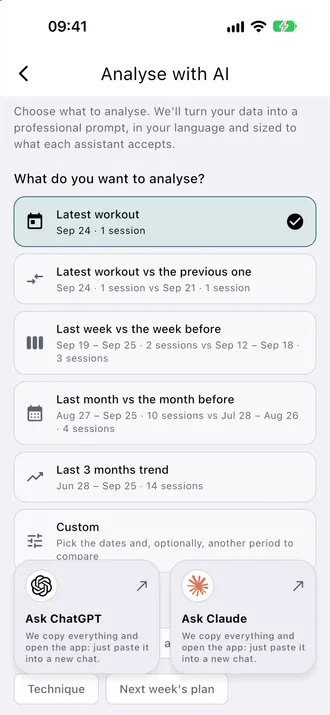
Turn a session or a period of training into a question with context. The app prepares a prompt from the data you choose, ready for your own AI assistant.
- Review your latest session
- Compare your latest session with the previous one
- Compare weeks or months and discuss load, recovery or technique
- Select a session or comparison period, then choose what you want to understand.
- Choose ChatGPT or Claude. Review the data you agree to share before pasting and sending the prepared text.
- The app copies your prepared text and opens the assistant. Paste it into a new chat, review it and send it yourself.
What happens to my data?
Metrics and the prepared question are generated locally on your device. This feature uses no AnalyticsZone AI server and sends no prompt automatically. You copy the text, open your own assistant, then decide whether to paste and send it. The AI provider processes only what you send under its own policy and account settings.Read the privacy policy
What do I need?
You can explore the analysis options without Premium. Copying the prompt and opening the assistant require Premium. You use your own ChatGPT or Claude account; their access limits and terms apply separately.
Screenshots
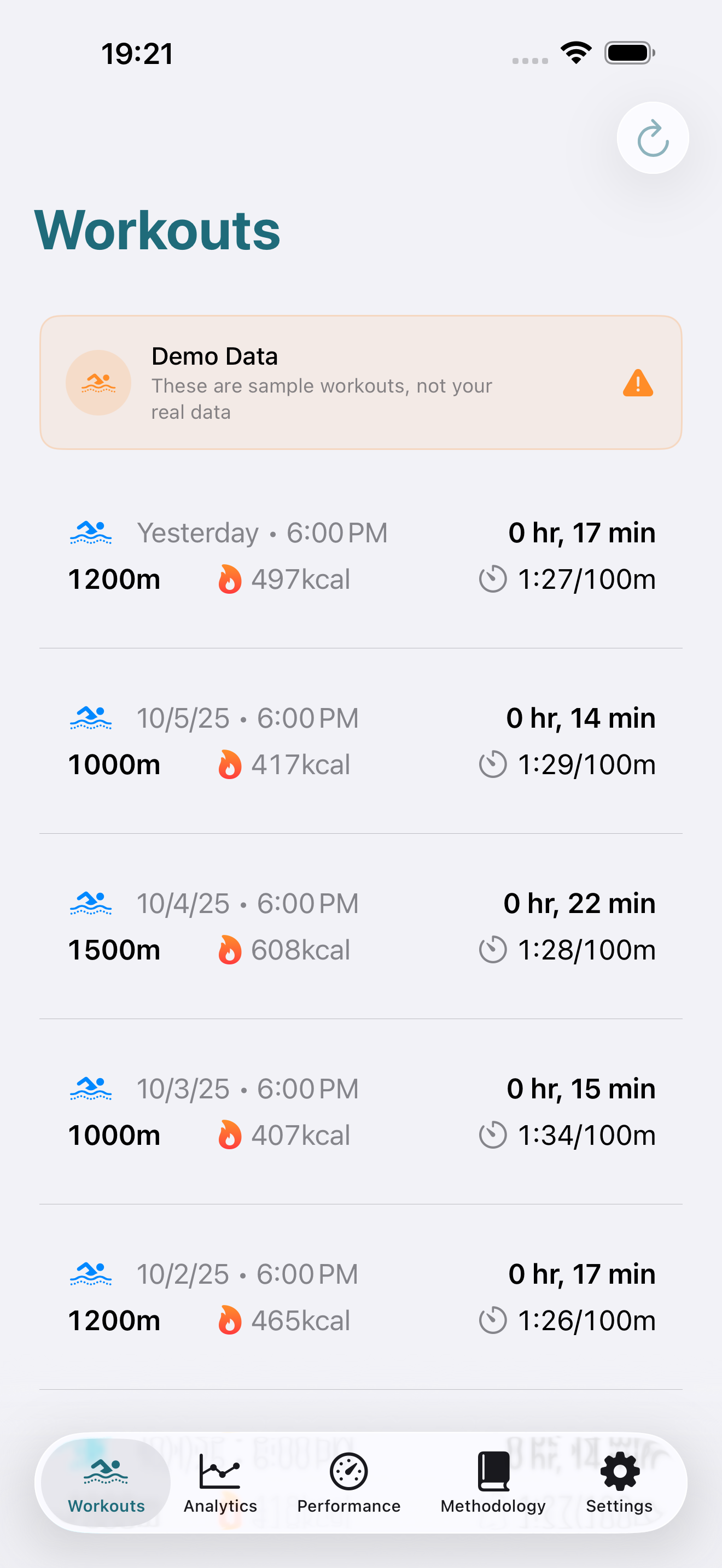
See Run Analytics in Action
Beautiful, intuitive iOS interface designed for runners
FEATURES
Advanced Running Performance Metrics
Scientific Running Metrics
Estimate Critical Pace, running zones and rTSS from workouts already recorded with your watch.
Personalized Training Zones
6 personalized running training zones calibrated to your critical running speed. Optimize every workout for recovery, aerobic development, threshold training, or VO₂max improvement.
Performance Comparisons
Weekly, monthly, and yearly period comparisons with automatic trend detection and percentage changes for all running performance metrics.
Privacy by Design
Core analysis stays on your device. Optional Garmin sync uses a secure service only for authorization and the workouts you request.
Export Anywhere
Export workouts and running performance metrics in JSON, CSV, HTML, or PDF formats. Compatible with coaches, spreadsheets, and training platforms.
Analysis on your device
Core analysis runs on your device. Optional sharing and integrations send only the data you choose to share.
Run Analytics
Ready to elevate your game?
Choose the sport-specific analytics application that fits your athletic goals.